Short answer: Systeme.io has offered a free plan with limits on how many funnels and pages you can build, but those limits can change. I can't give you a reliable current number, so check the pricing page on the official site (https://systeme.io) before you plan around it. The safest approach is to build one small funnel first and see how the limits affect you.
Why I'm not quoting a number
Plan limits get updated, and a figure copied from an old article can send you in the wrong direction. The pricing page shows what your plan includes today, and your account dashboard will tell you when you reach a cap.
How to check your limits in five steps
- Open the official pricing page and find the free plan.
- Look for the listed limits on funnels, pages, and any related items such as emails or contacts.
- Write down the numbers and the date you checked them.
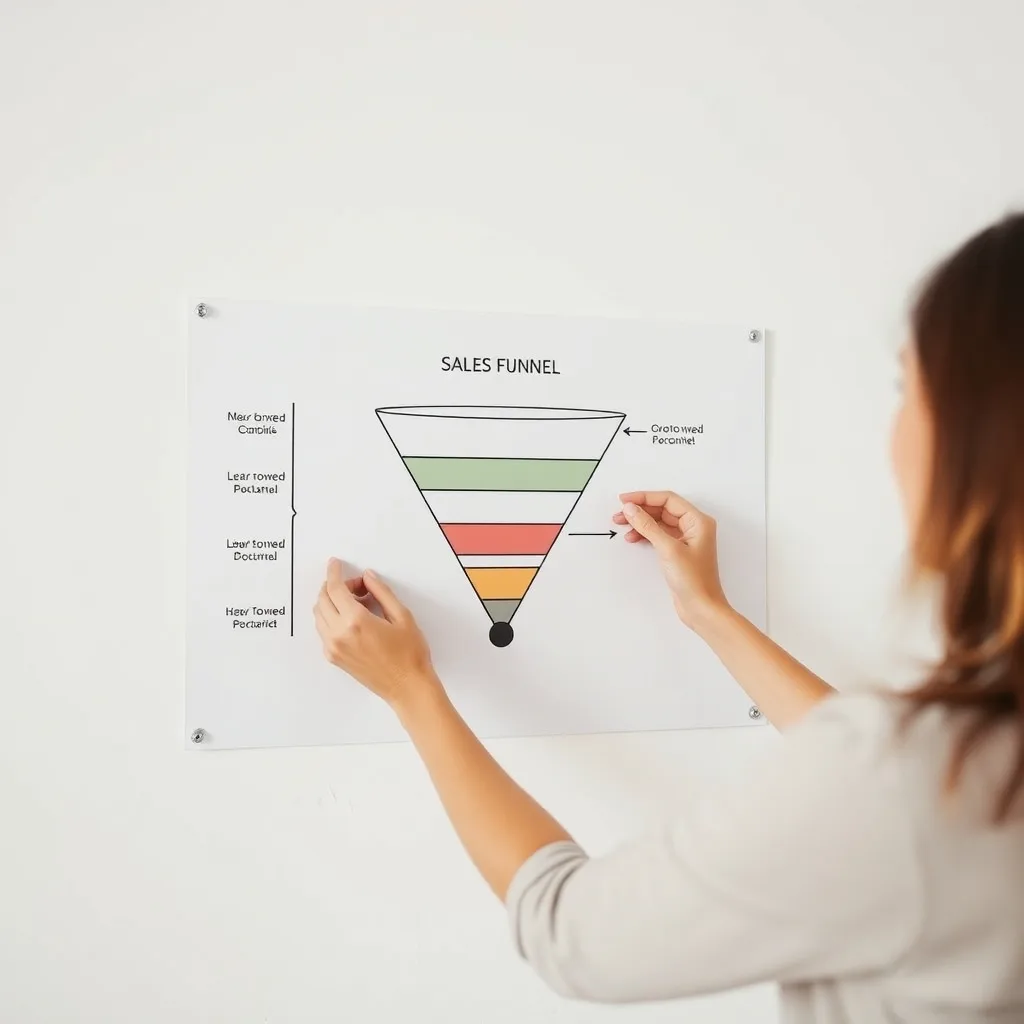
- Sketch the funnel you want on paper and count the pages it needs.
- Compare your page count with the limit before you start building.
Counting pages for a simple funnel
A basic funnel often has an opt-in page and a thank-you page. A sales funnel may add a sales page, a checkout, and a confirmation page. Order bumps and upsells add more steps. If your limit is tight, start with the shortest version that works. The guide to building your first sales funnel in Systeme.io walks through this, and sales funnel types explained can help you choose which one to build first.
 Recommended for youSysteme.io Funnel Builder Review: Templates, Page Editor and Real Limits
Trade-offs to expect
- Free is good for testing. You can learn the editor and validate an idea without paying.
- Limits can shape your design. You may have to cut steps or combine pages.
- Some features may be tied to paid plans. Custom domains are one example to verify. See how to connect a custom domain for details.
Deciding whether to upgrade
Upgrade only when a limit blocks something you actually need, not before. For an honest look at what the builder handles well and where it falls short, read the Systeme.io funnel builder review. If you plan to use templates, the funnel templates guide shows how to customize them without adding extra pages.
Related
- Sales Funnels & Website Building
- How to Build a Sales Page That Converts in Systeme.io
- How to Set Up a Checkout Flow with Order Bumps and Upsells
- What is the difference between a landing page and a sales page?
Keep reading
 Systeme.io Website Builder Review: Can It Run a Simple Business Site?Short answer: Systeme.io can probably run a simple business site if your goal is to explain what yo…
 Sales Funnel Types Explained: Which One to Build FirstA sales funnel is a short path that moves a visitor from "just looking" to a specific action, usual…
 How to Build Your First Sales Funnel in Systeme.io, Step by StepA sales funnel in Systeme.io is a series of connected pages that move a visitor toward one action,…