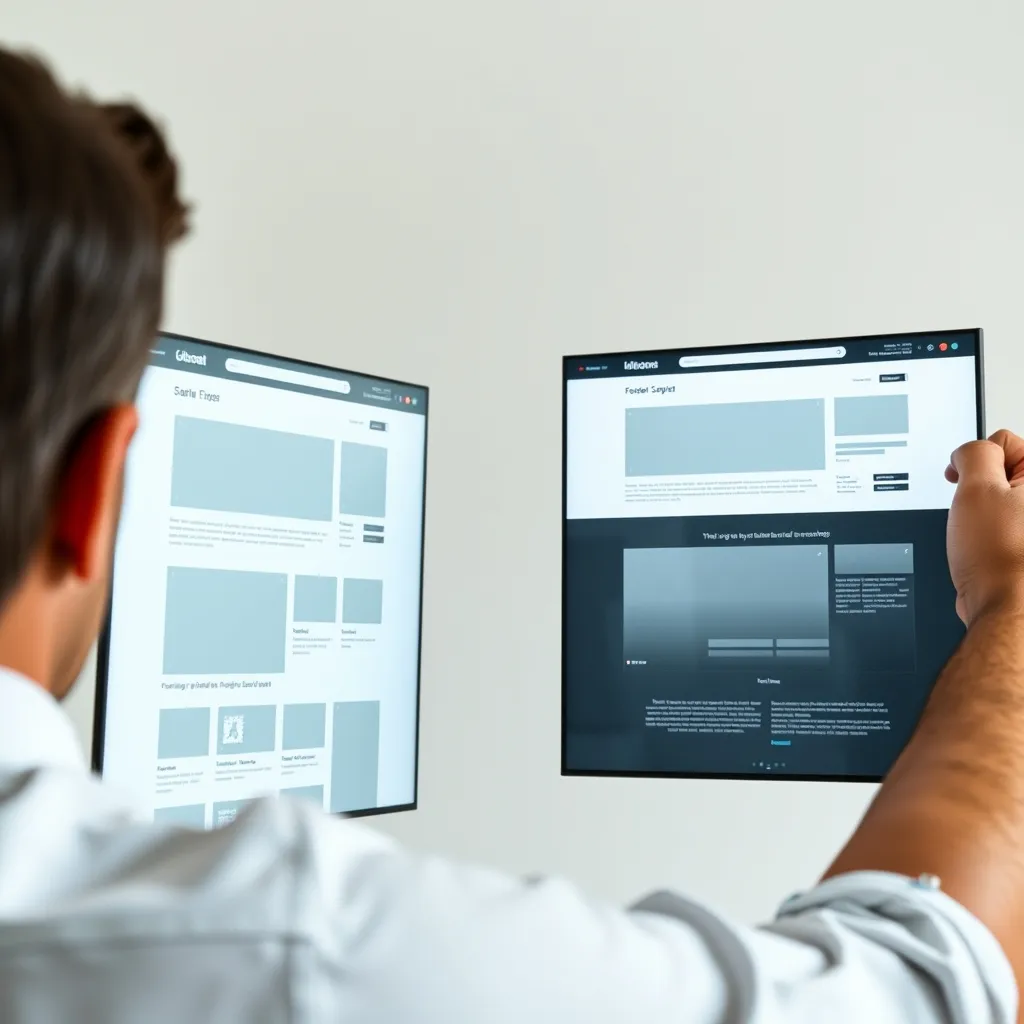
Yes, Systeme.io has offered a split-testing feature for funnel pages, but features and plan access change, so confirm the current details on the official site (https://systeme.io) before you plan around it. If it isn't available on your plan, you can still test by hand: build two versions and compare results over the same period. Either way, change one thing at a time and be realistic about how much traffic you need.
How to run a test, step by step
- Pick one goal. For example, opt-in rate on a squeeze page or purchases on a sales page.
- Pick one change. Test the headline, the button text, or the main image, not all three. Otherwise you won't know what made the difference.
- Duplicate your page. Keep the original as version A and edit the copy as version B. Check the editor for a split-test option in your funnel step settings.
- Split traffic evenly. If there's no built-in split, run each version to a similar audience at the same time, such as two ad sets or two email segments.
- Wait for enough data. A handful of visitors tells you very little. Don't call a winner after a day because one version is slightly ahead.
- Keep the winner and test the next thing.
Built-in vs. manual testing
| Approach | Upside | Trade-off |
|---|---|---|
| Built-in split test (if available) | Traffic is divided for you | Depends on plan and current features |
| Manual duplicate pages | Works without special features | You must split traffic and track results yourself |
 Recommended for youSysteme.io Funnel Builder Review: Templates, Page Editor and Real Limits
Honest limits
- Small audiences often can't produce reliable results. If you get little traffic, you may learn more from improving your offer and page copy than from testing.
- Results from one test don't guarantee the same lift later.
- Testing doesn't fix a weak offer.
Before testing, make sure the basics are solid. How to Build a Sales Page That Converts in Systeme.io covers what to get right first. To judge whether the editor suits your needs overall, read the Systeme.io Funnel Builder Review.
Related
- How to Build Your First Sales Funnel in Systeme.io, Step by Step
- How many funnels and pages can you build on the Systeme.io free plan?
- Sales Funnels & Website Building
Keep reading
 Systeme.io Website Builder Review: Can It Run a Simple Business Site?Short answer: Systeme.io can probably run a simple business site if your goal is to explain what yo…
 Sales Funnel Types Explained: Which One to Build FirstA sales funnel is a short path that moves a visitor from "just looking" to a specific action, usual…
 How to Build Your First Sales Funnel in Systeme.io, Step by StepA sales funnel in Systeme.io is a series of connected pages that move a visitor toward one action,…